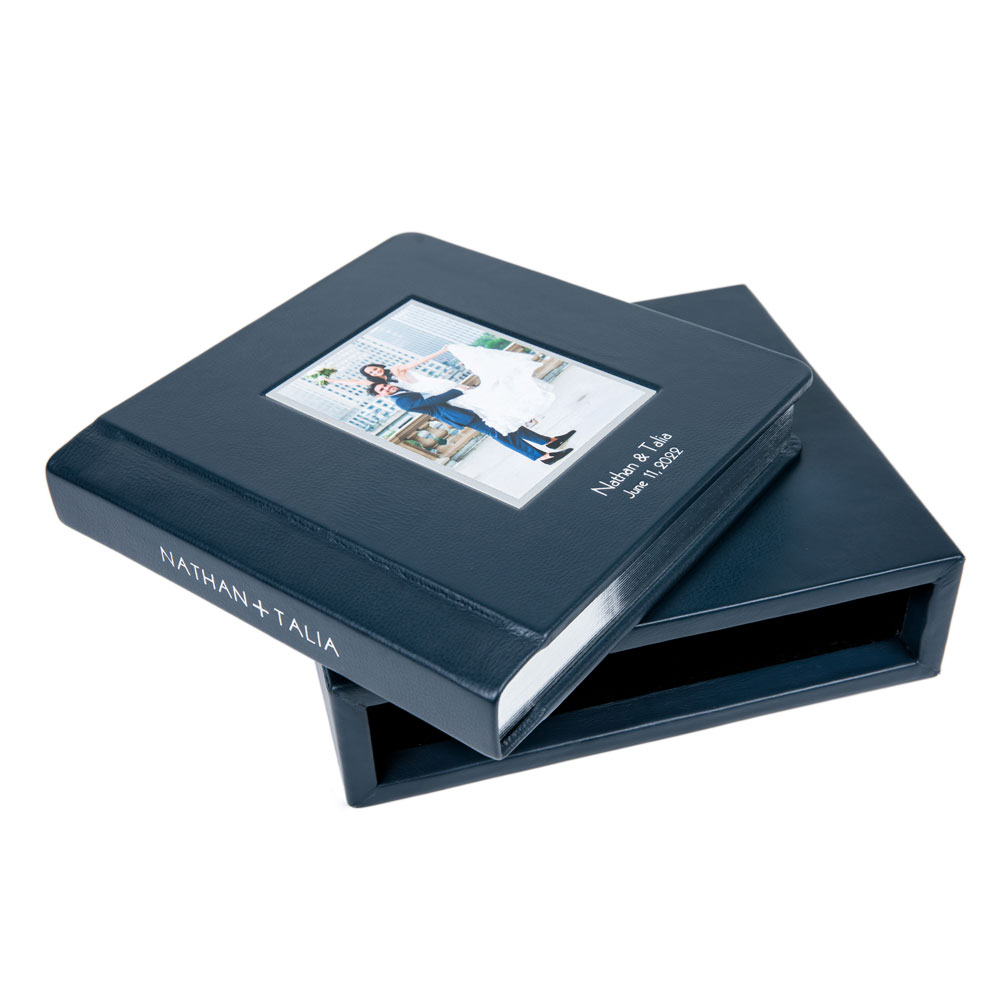
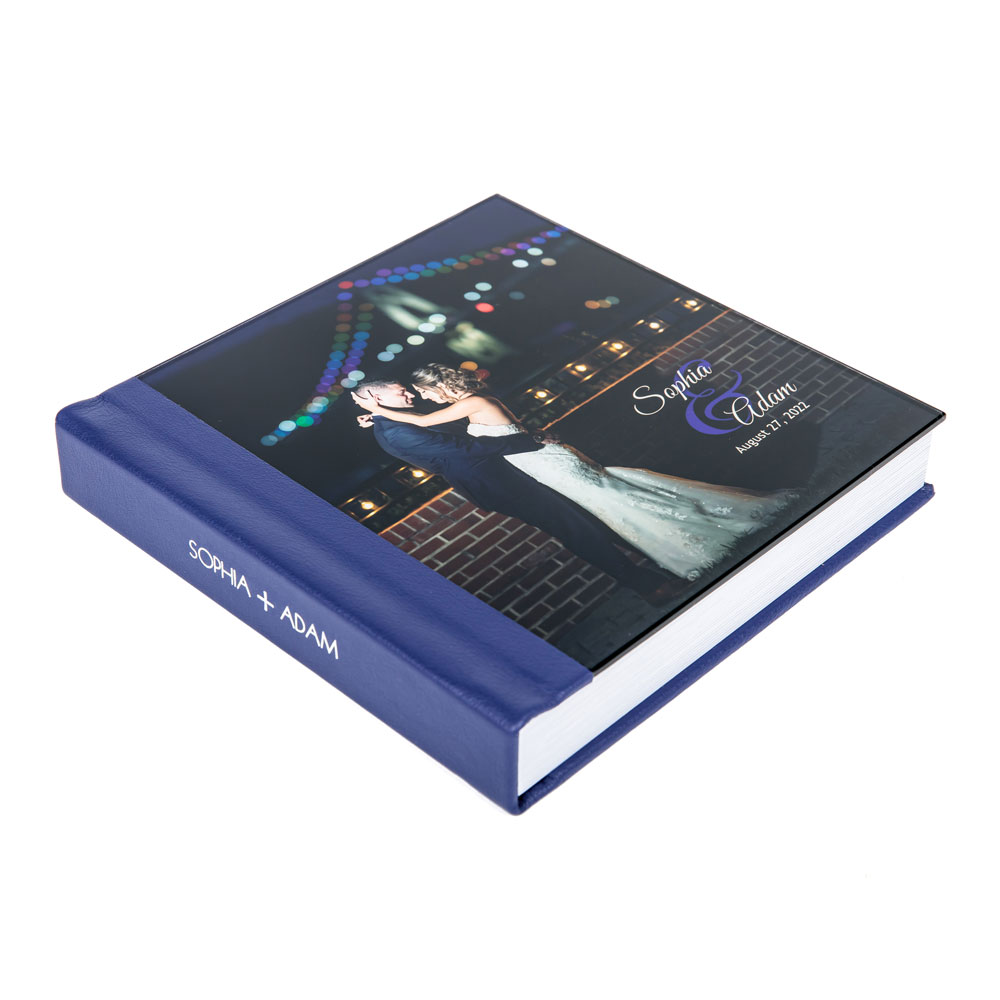
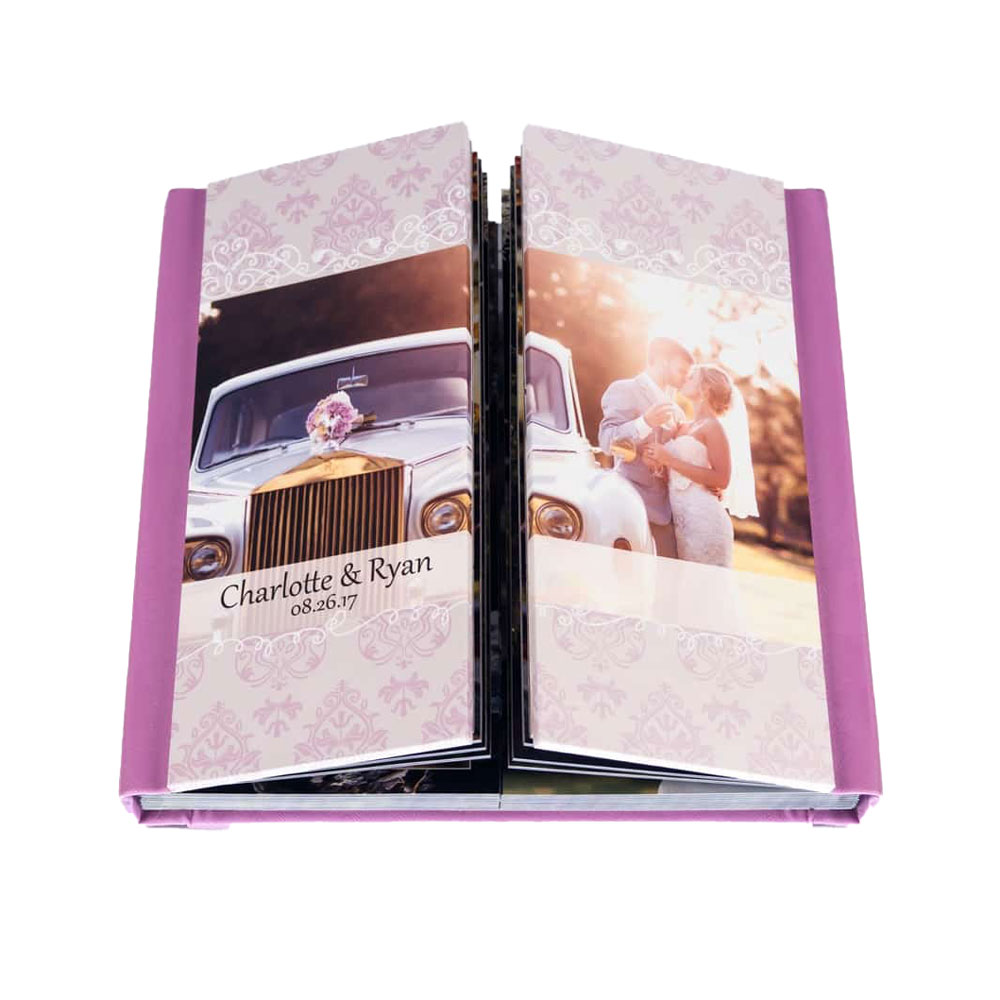
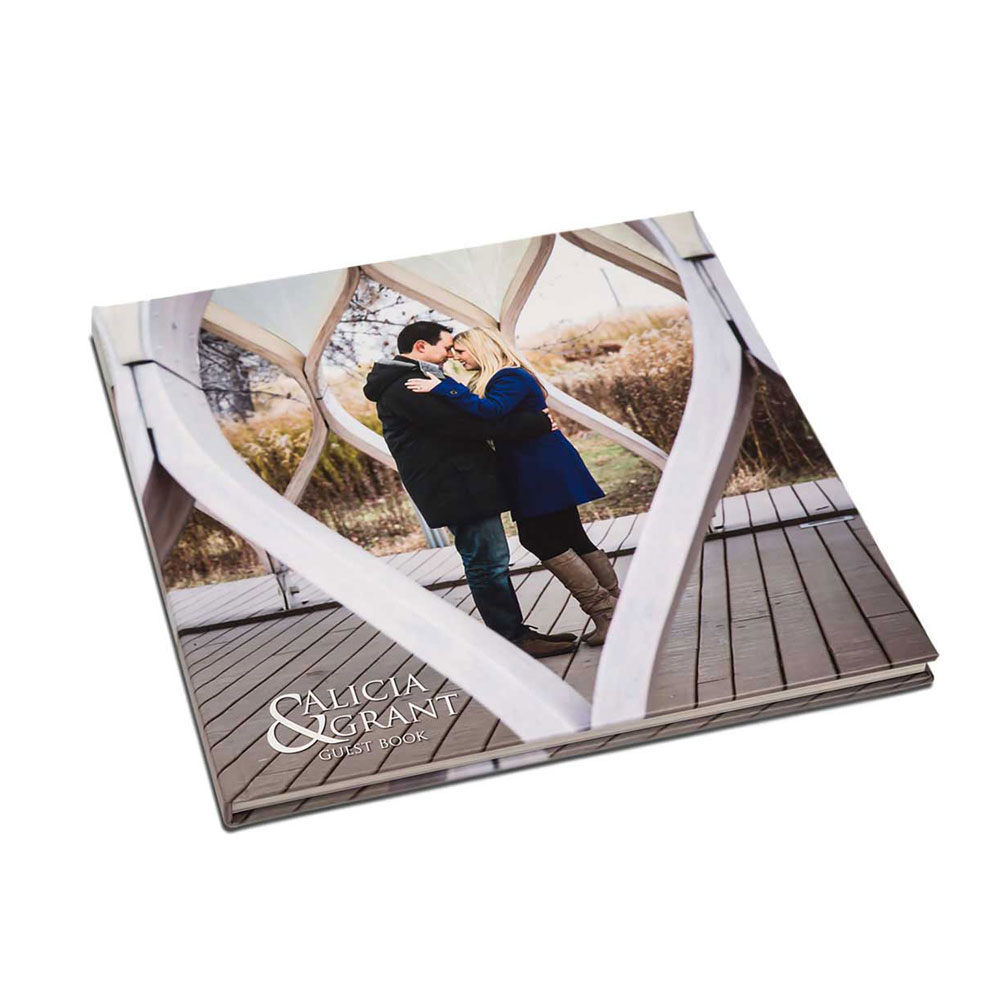
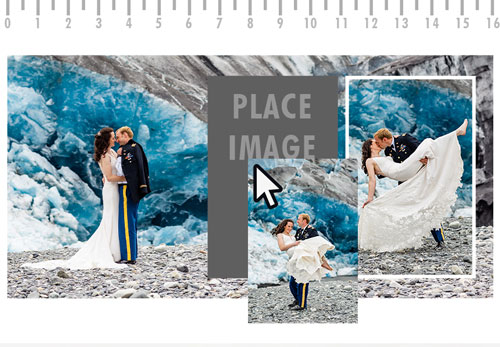
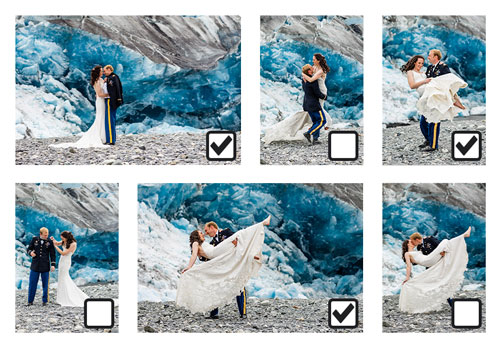

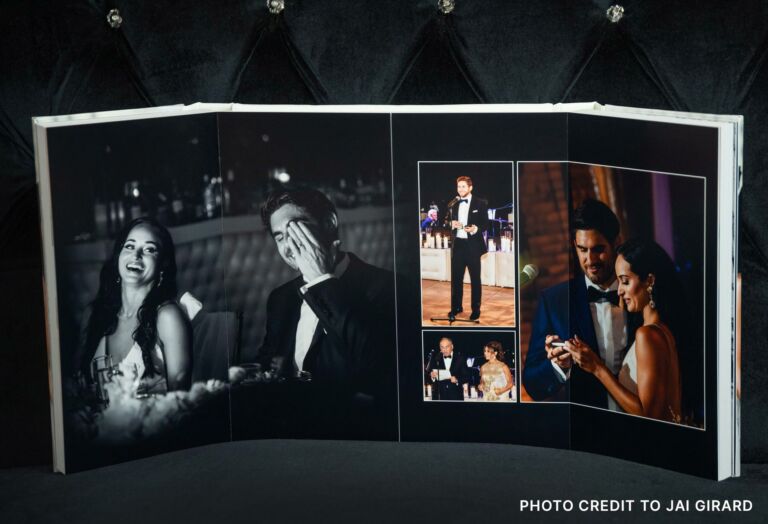
Many of us love surprises, but opening an album that you just paid several hundred dollars for only to find that the top of your subject’s head has been cut off is probably not one of them. To avoid such surprises it is important to know two printing terms: bleed and safety margin. It is also important to know that most all printed material gets trimmed. This includes albums, and PhotoBooks from Zookbinders.
The bleed area refers to that area of artwork that will fall OUTSIDE the trim lines once the piece is printed and cut to the final size. Most printers require a bleed area to account for “printer bounce” and final trimming. Failure to provide bleed area by having important elements of the image lying too close to the edge will often result in surprises like the one above.
Sometimes designers try to anticipate the exact bleed area required and pad their images with a white or black background or border. This can often backfire with the end result being a sliver of white left showing, or worse yet a slightly crooked sliver of white. Attempting to pad an image with background so as not to lose any image area on a tight crop assumes that the mechanical trimmer (variable tolerance) that cuts your spreads is perfectly accurate and consistent (it isn’t).

Safety margin is a similar term with the same goal: to insure that important design elements don’t wind up looking like they are going to fall off the page, or worse, actually getting trimmed off. We ask for safety margins of one inch on all four sides of a full panorama spread for large Zook Book albums (15×10, 12×12); and 3/4 inch margin for 10×10, 8×12 or 9×12 albums.
This may sound like an excessive amount of safety margin when we do NOT trim anywhere near this much. So why such a big margin? The answer lies in duplicates. Let’s say you design a 12×12 Zook Book for your bride and groom. They love it so much that their parents would like a copy as a 6×6 PhotoBook, or perhaps the bride would like to order a 3-pack of 4×4 PhotoBooks to distribute to her bridesmaids. That one inch safety margin just got knocked down to ½ inch on the 6×6 book and only 1/3 inch on a 4×4.
Let’s assume that you thought a one inch safety margin was needless waste of space and you left only a half inch margin on your original design. Now all of a sudden you have only ¼ inch margin on the 6×6 and less than a scant 3/16 inch on your 4×4. Your PhotoBooks are likely to have trimming issues and you are in for some re-design and re-makes of your PhotoBooks in an effort to fill your customer’s order.
Accounting for bleed and safety margin as you design is simple. If you are in Photoshop, start with a canvas to match your album size: 12” tall by 24” wide for a 12×12 Zook Book. Now move your guides in to the one inch line on top, bottom, left and right sides of your canvas. (It’s a good idea to also make the exact center of your full panorama to avoid having the split or fold going through someone’s eye!). Save this as you starter page to begin each new design on.
Now you’re ready to begin designing. Just treat the safety margin as the line which no heads, feet, key lines or other important design features should cross while still allowing expendable image area or background to extend to the end of the page.
Do NOT address bleed by ADDING some image area assuming that we will trim it off. Doing so often leads to disastrous results with files that are no longer the correct aspect ratio for the book you want to make. Many files for 10×10 books are sent to us that actually measure 10.5” x 20.5”. It’s a dead giveaway that the designer added a half inch bleed. You don’t need an engineering degree to figure out that you no longer have the correct aspect ratio (a page side now being 10.5” by 10.25”) and there will possibly be some unwanted cropping.
If you still have questions about page design and safety margins, feel free to call the friendly and knowledgeable customer service representatives at (888) 326-0967.