

Do You Boudoir?
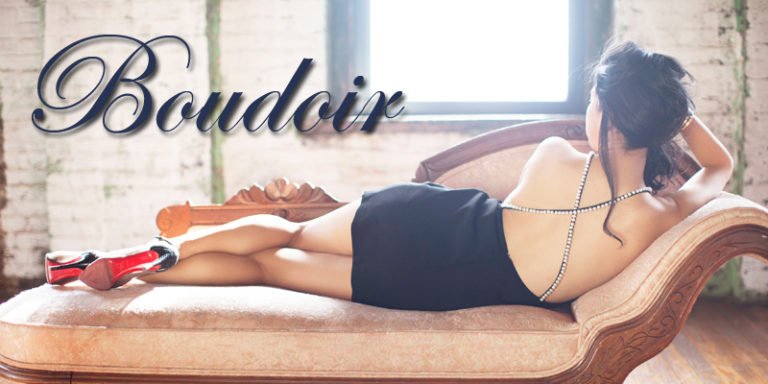
When love is in the air, many photographers will market for boudoir albums with the need for a Valentine’s Day gift. In case you haven’t
When love is in the air, many photographers will market for boudoir albums with the need for a Valentine’s Day gift. In case you haven’t

Black Friday, Shop Local Saturday and Cyber Monday all encourage the masses to get out there and crush their gift giving list. It seems like
As the year winds to a close and all your wedding albums find their way into the the hands of your dearest couples, who send
If you’re strolling around a park on any given Saturday afternoon, you are bound to run into a pack of photographers. Roaming the open spaces

The team here at Zookbinders makes a great effort learn from leaders in the industry and we love attending educational forums. Several of us attended
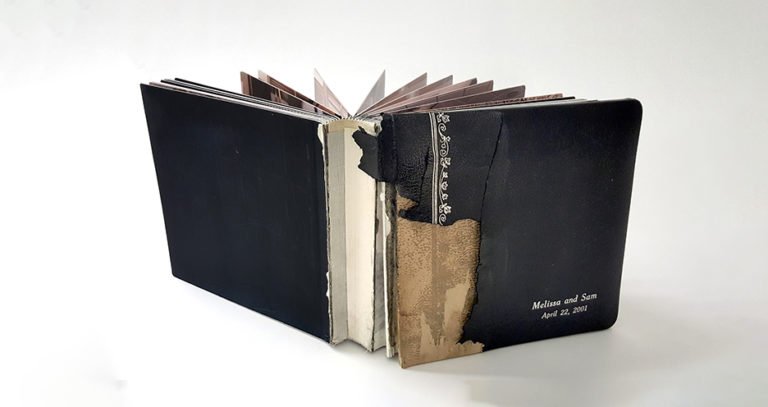
My kids could never use the excuse: “the dog ate my homework”, because we didn’t have one. However, at Zookbinders we receive a handful of
Meet Joe. Joe is planning on getting engaged to his girlfriend Megan. He is leaning over a glass display case filled with shiny things. The
Your photography business is more than a calling, it’s a career. It’s your occupation, not a gig. It’s your 9-5, your 24/7 and it’s where
Wouldn’t it be great to have everything you’ve ever wanted in your photography business? Just snap your fingers, find your genie and shazam; you are

It could be a big, fat engagement ring, a rug at a flea market or a puppy – people are going to ask, “How much